
Peplink Patented Technology
One Resilient Connection, Built From Many
SpeedFusion bonds fibre, cellular, satellite and Wi-Fi connections into a single tunnel at the packet level — so your network uses the combined bandwidth of every link, and never depends on just one of them staying up.

Inside SpeedFusion
What's Actually Inside SpeedFusion
“SpeedFusion” isn’t a single feature — it’s five technologies stacked on top of each other, each solving a different problem that comes from using more than one internet connection at once. More specific mechanisms sit underneath these five; see “Under the Hood” further down the page.
Bandwidth Bonding
Maximum Bandwidth, Fully Utilized.
Aggregates every available WAN connection into a single high-capacity tunnel, splitting data at the packet level so one session uses the combined bandwidth of all your links — not just one.
WITH BANDWIDTH BONDING
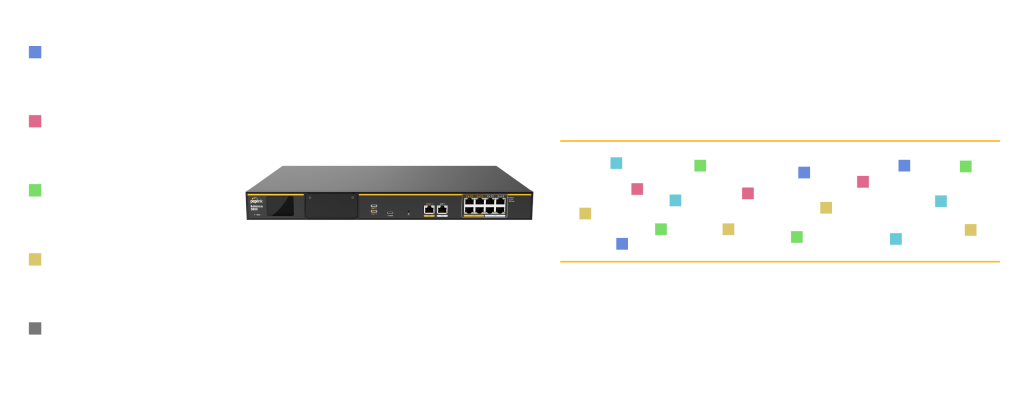
WITHOUT BANDWIDTH BONDING
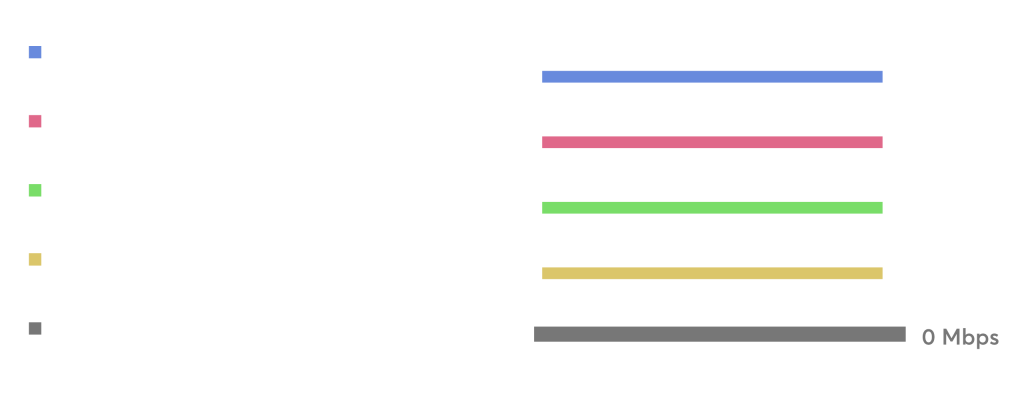
Smoothing
Seamless Performance, No Jitter.
Moves active sessions to a healthy link the instant one degrades or drops — proactively, not after the connection has already failed — so calls, video and transfers keep running without a visible interruption.
With Smoothing
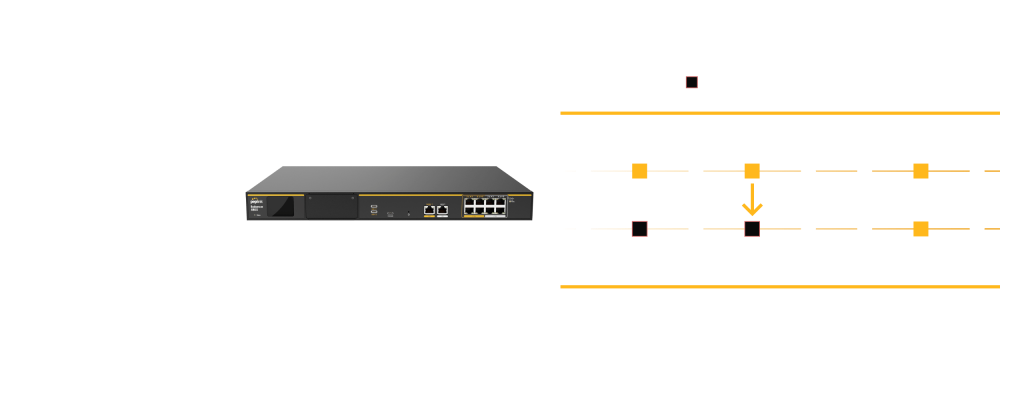
Without Smoothing
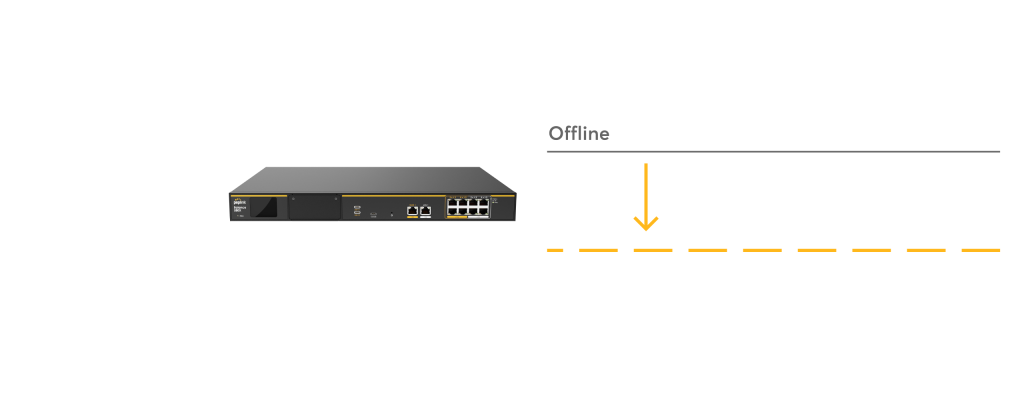
Hot Failover
Uninterrupted Connectivity, Zero Downtime.
Optimization built into the tunnel itself, sustaining high throughput even across lossy or unpredictable links — the difference between a bonded connection that degrades gracefully and one that doesn’t.
With Hot Failover
Without Hot Failover
SpeedFusion Boost
Sustained Throughput. Loss-Resilient Efficiency.
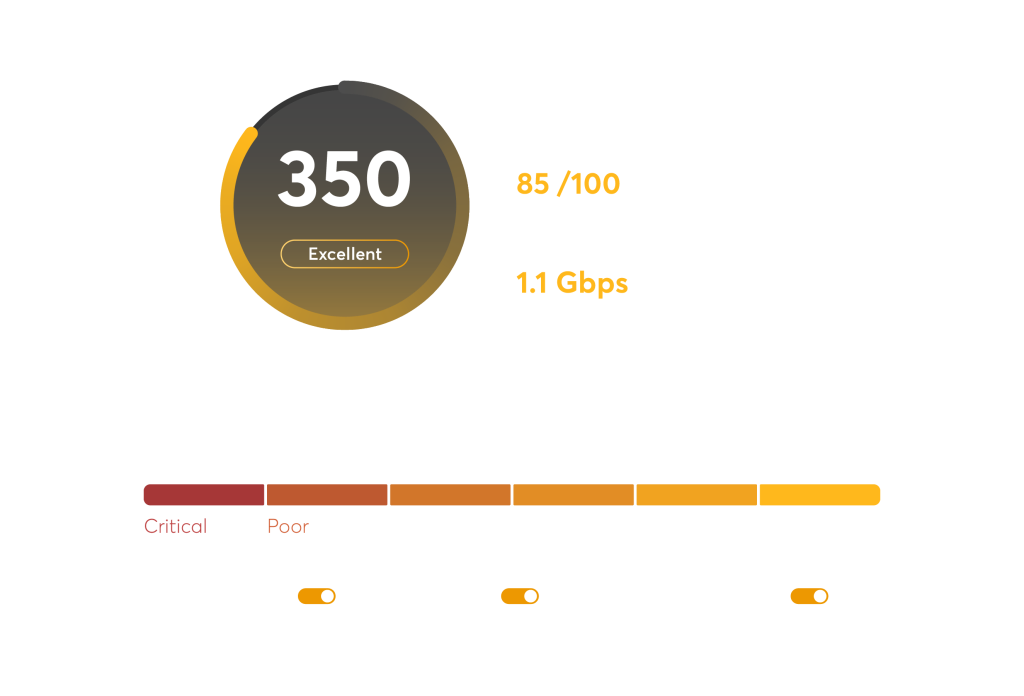
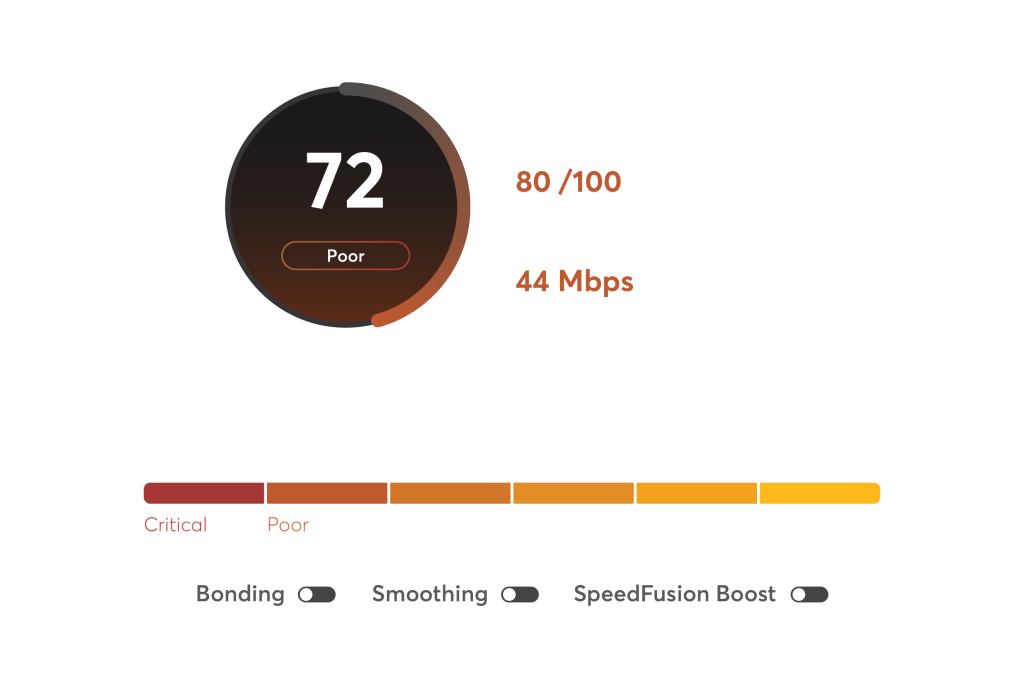
A network quality analyzer inside InControl that continuously evaluates the health, resilience and performance of your bonded network — and shows exactly what to add or enable to improve it.
With SpeedFusion Boost
Without SpeedFusion Boost
SpeedFusion Score
Better Insights. Better Networks.
Trades a little spare bandwidth for a lot of resilience — sending duplicate packets across multiple links at once to fill gaps caused by jitter, latency spikes or brief drops before they’re ever noticed.
How It Works
Packet-Level WAN Bonding, Step by Step
Every packet is split, encrypted and reassembled automatically — no manual switching, no application changes required.
TrafficOriginates
A device on your network — a camera, a POS terminal, a laptop — sends data as normal, unaware any bonding is happening.
SpeedFusion Load-Balances
The router identifies the traffic and decides how to split it across your available WAN links in real time.
Packets Split & Encrypted
Data is broken into packets, distributed across every bonded link, and encrypted for the journey across the public internet.
Reassembled at the Far End
A Peplink device or FusionHub instance at the destination decrypts and reassembles the packets back into the original stream.
Delivered as One Session
The receiving application sees one continuous, reliable connection — with no awareness that multiple WAN links were involved.
Under the Hood
The Mechanisms Behind Bonding & Failover
Forward Error Correction
Sends a small amount of extra parity data alongside your traffic, so lost packets can be reconstructed at the receiving end instead of re-requested — protecting against packet loss while using far less bandwidth than sending everything twice.
Traffic Steering
Granular, rule-based control over which WAN link specific traffic types use — send VoIP and video over your most stable link, and let large downloads or backups use whichever link has spare capacity.
Bandwidth on Demand
Brings an additional cellular WAN connection into the bond only when it's needed — useful for temporary capacity at a busy site or event without paying for a SIM connection that sits idle the rest of the time.
Bandwidth Overflow
Monitors real-time usage across your bonded links and automatically shifts traffic to the most suitable connection as demand changes, rather than leaving the split fixed once it's configured.
Basic Failover
The older model still used by most non-bonding routers: traffic switches to a backup connection only after the primary is confirmed down, which breaks any session that was active at the time.
Hot Failover, Compared
Where Basic Failover reacts after the fact, Hot Failover keeps sessions alive through the switch — the distinction that matters most for live calls, video and any connection you can't afford to have drop and reconnect.
Where It's Used
SpeedFusion Across Every Deployment Type
Bonding solves a different problem in every environment — more bandwidth in one, guaranteed uptime in another, day-zero connectivity in a third.
High Availability & Data Centres
Bond multiple wired links — fibre, DSL, leased line — with clustered router pairs for maximum uptime on customer-facing services.
Mobile & Vehicle Connectivity
Ruggedized routers bond multiple cellular connections on the move, with automatic failover keeping fleet and field operations online.
Branch & Remote Office
Bond broadband and cellular links at a branch location for enterprise-grade uptime, without waiting on a dedicated leased line.
Retail & Pop-Up Sites
Bring a new site online the day it opens — bond available connections instead of waiting weeks for fixed-line ISP installation.
Live HD Video & Broadcast
Bond several cellular connections for jitter-free, low-latency live streaming from any location, with bandwidth monitoring to control data costs.
Maritime & Remote Sites
Combine satellite with cellular where fixed infrastructure doesn’t reach — the same bonding engine used across the rest of the range.
Where It Lives
SpeedFusion Across the Peplink Range
Built into the router hardware — and available as a cloud endpoint with no hardware required at all.
PRODUCTS
Balance Series
Multi-WAN routers for offices and fixed sites — the most common SpeedFusion endpoint on the wired side of a tunnel. B One Series enterprise branch routers use the same bonding engine within this range.
MAX Series
Cellular and ruggedized routers for vehicles, vessels and field deployments — bonding multiple SIMs on the move.
Technology
FusionHub
A virtual SpeedFusion appliance — run it on your own server or in the cloud as the far end of a tunnel, no physical router required.
InControl 2
InControl 2 The management platform behind SpeedFusion Score and stow/unstow control — one dashboard for every bonded device across your fleet or sites.
Common Questions
SpeedFusion Bonding — Frequently Asked Questions
What is SpeedFusion bonding?
SpeedFusion is Peplink’s WAN bonding technology. It combines multiple internet connections — fibre, cellular, satellite or Wi-Fi — into a single logical tunnel at the packet level, so one session can draw on the combined bandwidth and reliability of every link at once, instead of using only one connection at a time.
How is bonding different from failover?
Failover keeps a backup connection idle until the primary fails, then switches over. Bonding uses every connected WAN link simultaneously, all the time, splitting traffic across them at the packet level for extra throughput. SpeedFusion does both together: your links are bonded for combined bandwidth day to day, and Hot Failover instantly moves active sessions off a link the moment it degrades or drops.
Do I need identical WAN connections to bond them?
No. SpeedFusion bonds mixed connection types together — fibre with 5G, cellular with satellite, DSL with Wi-Fi — of different speeds and from different providers. The bonding engine adapts to each link’s real-time performance rather than requiring matched connections.
Which Peplink routers support SpeedFusion?
SpeedFusion is built into Peplink’s Balance Series, MAX Series and B One routers, and is available as a cloud endpoint through FusionHub for connecting back to a data centre or head office without dedicated hardware there. Exact bonding capacity and feature set vary by model — a specialist can confirm the right router for your number of WAN links.
Does SpeedFusion require both ends to be Peplink hardware?
A SpeedFusion tunnel needs a Peplink device or a FusionHub instance at each end to bond and encrypt traffic. FusionHub is virtual appliance software, not physical hardware, so a private or public cloud server can serve as one end of the tunnel without an on-site router.